Is Claryft really free?
Yes — we are focused on early adoption and transparency while the product grows. Pricing may evolve later; we will communicate changes clearly.
Real dashboard imagery from claryft.com, the Android app on Google Play, and a step-by-step guide on YouTube.
Taken from official Claryft marketing assets — same product area you use when you sign in at the portal.
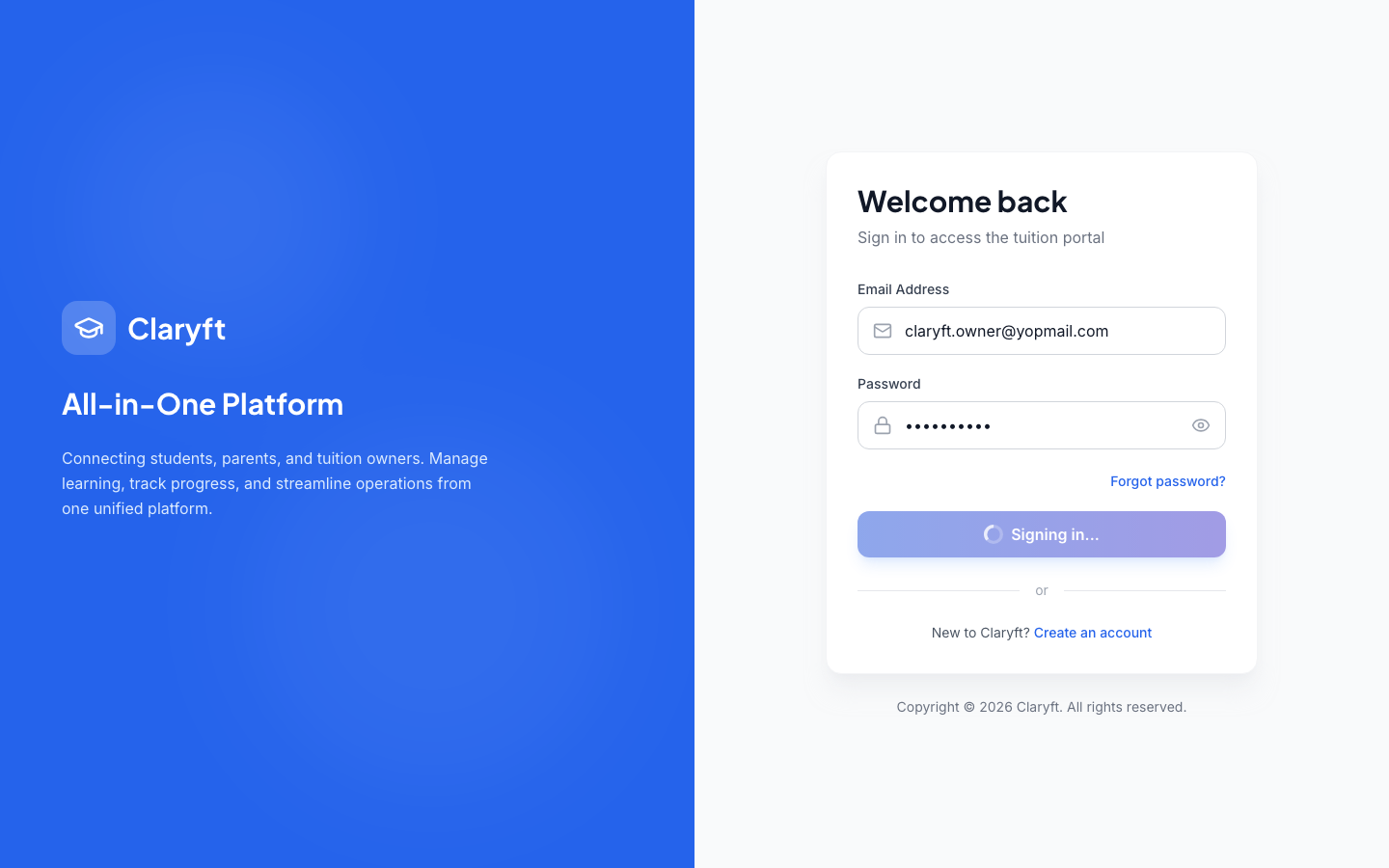
Official walkthrough on YouTube. Same flows apply to the web portal and the Android app where features match.
Video: https://youtu.be/H3R4Nc0Ifgg
Yes — we are focused on early adoption and transparency while the product grows. Pricing may evolve later; we will communicate changes clearly.
No. We offer the web portal and an Android app on Google Play. We do not provide an iOS app at this time.
Use the official YouTube walkthrough linked on this page — it covers how to get started with the live features.
Claryft is built for small tuition setups: simple workflows first. We do not position it as a complete enterprise suite.
Start on the web or use the Android app. No enterprise pitch — just honest, early-stage software.